Soundvision Connect
Simplified Collaboration. Amplified Results.

What is Soundvision Connect?
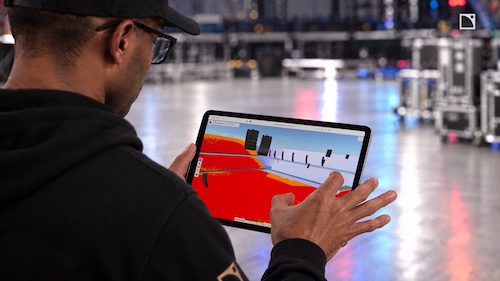
Soundvision Connect helps teams make better decisions, faster, by bringing every stakeholder together around a shared, interactive sound system design. From consultants and integrators to venue owners and end users, everyone can explore the latest Soundvision project in detailed 3D through a web browser. No more managing files, exchanging screenshots, or tracking multiple design versions over email. By providing a single source of truth throughout the project lifecycle, Soundvision Connect streamlines communication, accelerates approvals, and keeps projects moving forward with confidence
Applications
Collaborate Better. Deliver Faster.

Single Source of Truth
Keep clients, consultants, and project teams aligned around the latest design with one centralized platform for review and collaboration.

Faster Project Approvals
Share interactive 3D designs instantly, gather feedback more efficiently, and move projects from concept to completion with fewer delays.
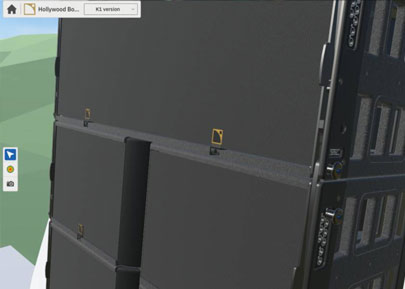
Visual Clarity
Enable everyone to explore sound system designs in detailed 3D, building confidence and improving decision-making at every stage.
Features at a Glance
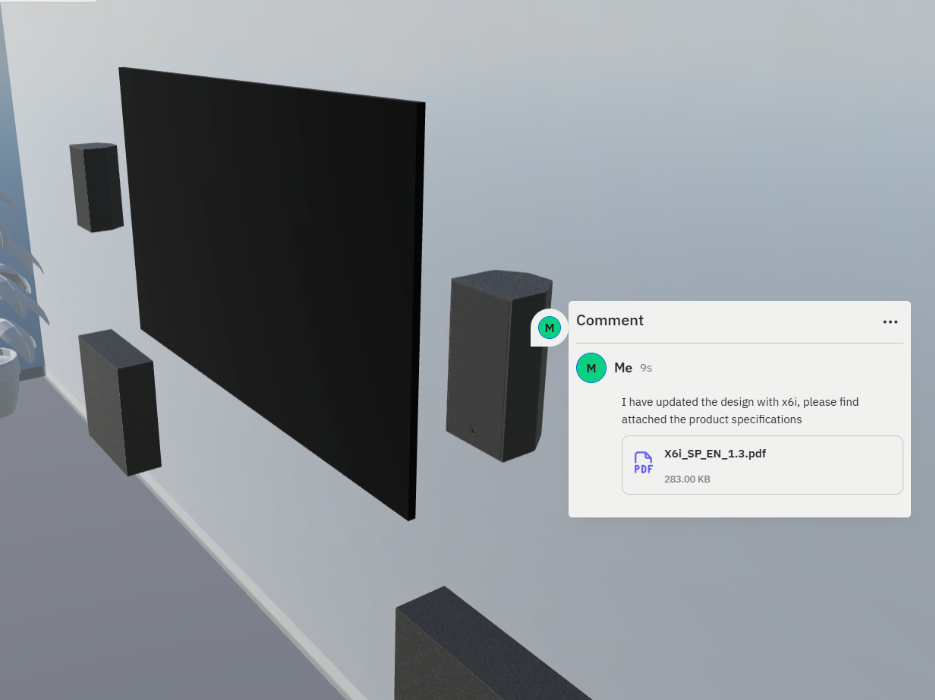
Commenting
Keep conversations connected to the design.
Attach comments directly to specific elements within the project to highlight design considerations, request updates, or flag items
for review. Tagged users receive notifications, ensuring discussions stay focused, visible,
and actionable.
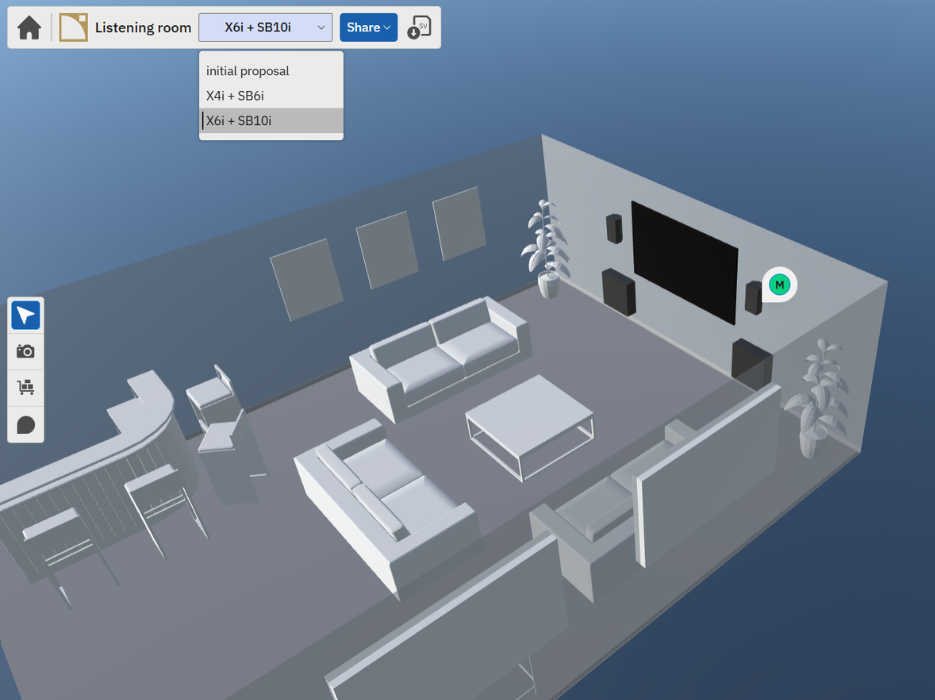
Versioning
Evaluate options with confidence.
Review multiple design iterations side by side to compare system configurations, understand design trade-offs, and document the evolution of a project.
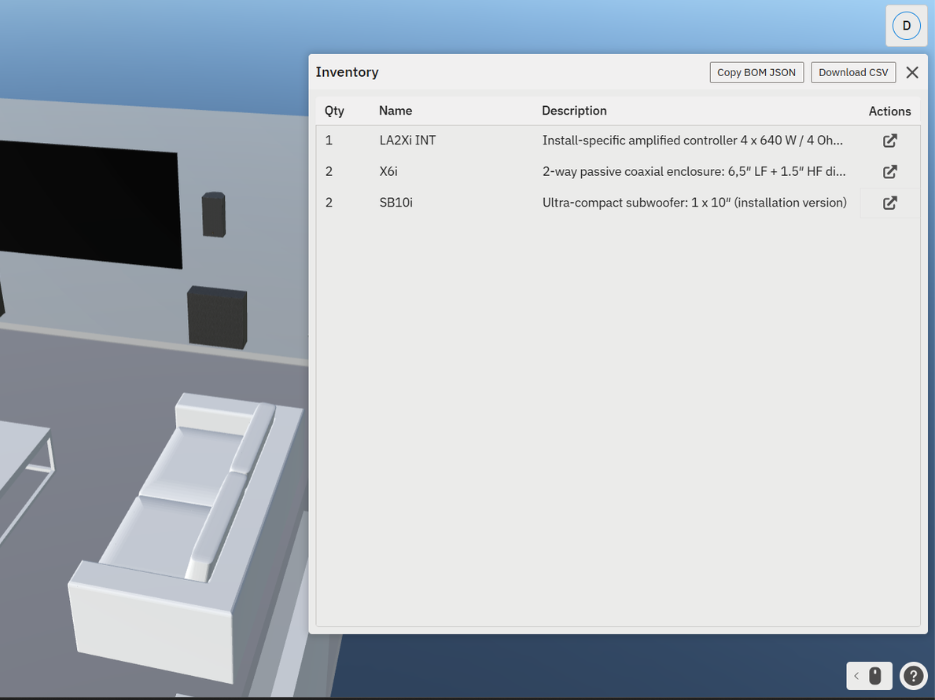
Inventory
Access the information you need, when you need it.
View a complete breakdown of every component within the design and export Bills of Materials in JSON or CSV format for sharing with clients, partners, and procurement teams.
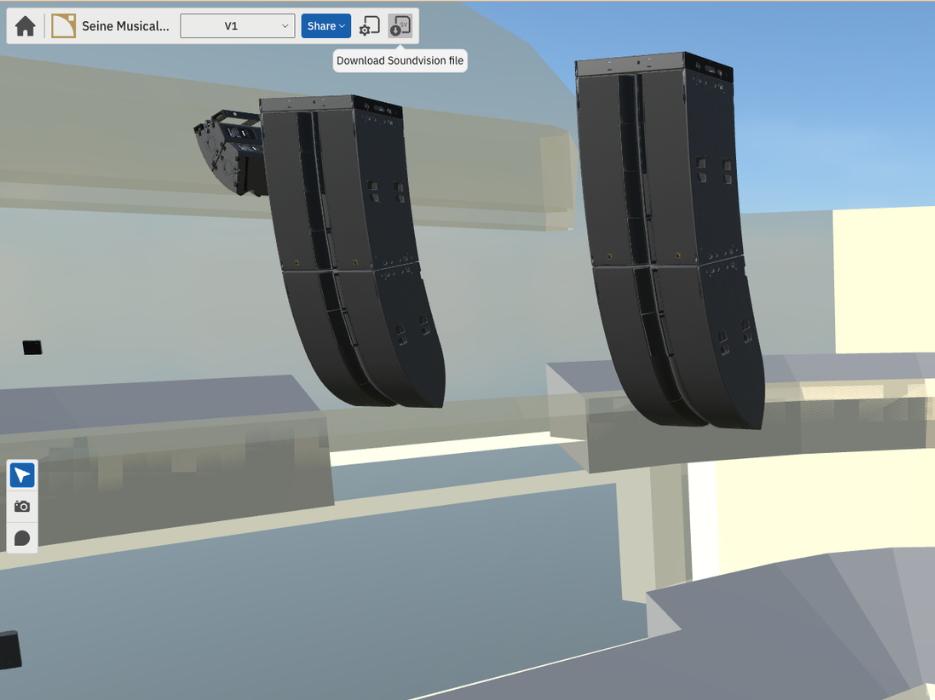
File Sharing
Stay connected to the complete workflow.
Download Soundvision XMLP files directly from Soundvision Connect, enabling seamless transition between collaboration, design refinement,
and implementation.
Comparison of Features
Soundvision Connect scales to the needs of your business
 Soundvision Connect Single user / Individual account |  Soundvision Connect Plus Free Upgrade via All Access | |
|---|---|---|
| Max Project Stored Concurrently | 3 | 1,000 |
| Inventory |  | |
| XMLP Backup | | |
| Commenting | | |
| Versions per Project | 2 | 8 |
| Project Owners per workspace | 3 | 10 |
Who Benefits from Soundvision Connect?
Share your vision in a simplified format that is accessible to everyone on the project, regardless of technical expertise.
Communicate the benefits of the design without in depth technical knowledge. Show not tell. We’ve made it easier for you to win the bid.
See exactly what is being proposed and quickly evaluate.
Align the needs of multiple departments around a shared vision. Budget visibility.
Applications / Case Study Projects
Frequently Asked Questions
Users need the latest version of Soundvision installed to export and share their projects. Once they have updated, they click the Soundvision Connect button to export their chosen project. A more detailed getting started guide is available on the L-Acoustics website and through the Help button in Soundvision.
Viewers don’t need any experience with Soundvision, and they don’t need to download or install anything. They simply click the shared link to open the project.
Yes. Soundvision Connect offers a simple, intuitive interface that lets users navigate detailed 3D renders of their design, add and respond to comments, and view the system inventory. L-Acoustics designed it to be accessible for everyone working on the project, including those without a technical background in professional audio.
Beyond its simplicity, Soundvision Connect addresses the specific needs of audio professionals and the teams they work with. It integrates seamlessly with Soundvision and presents the information each team member needs in a way that keeps everyone aligned, supports clearer communication, and speeds up decision-making.
Soundvision Connect works on any device with a web browser, including desktop computers, tablets, and phones.
Only the people the user invites can access the project. Invited viewers must create an account, and the user can revoke their access at any time.
Users can store up to 3 Soundvision designs at a time in their workspace. Each project can hold 2 distinct versions of the design.
Users can upgrade to Soundvision Plus, currently free through the L-Acoustics All Access Platform. Soundvision Plus lets users store up to 1,000 projects and invite multiple project owners to their workspace, which makes it ideal for larger businesses running several projects at once.
Soundvision Connect displays SPL mappings, system configuration, and detailed renders of the selected loudspeaker enclosures. It exports the system inventory in .JSON and .CSV formats, along with an .XMLP file that stores the design in the cloud. Users can also save specific camera angles in Soundvision and recall them in Soundvision Connect.
No. Once a user syncs a Soundvision file with Soundvision Connect, they must delete the project from that workspace before uploading it to a different one.
Soundvision Connect is free. Soundvision Connect Plus is also free for a limited period (until October 2027) through the All Access Platform.